
Private by default
Your files stay on your phone unless you choose to save or share them. We don't run servers that store your documents or photos.
No account walls
You can open an Anom app and use it straight away. No sign-up, no email, no login screen.
One clear job
Each app focuses on a single task and does it properly, instead of piling on features you never asked for.
Honest pricing
The core of every app is free. Where we charge, we say clearly what you get and prefer one-time purchases to endless subscriptions.
About Anom LLC
Anom LLC is a small app studio. Instead of one big app that tries to do everything, we build a family of small, sharp tools, each with its own name, its own website and its own guides.
Every app starts from a real, everyday need: scanning a document, finding a lost photo, keeping a phone safe, taking a short break with a puzzle. We build the tool, publish it on Google Play under Anom LLC, and keep improving it from what people tell us.
How we choose what to build
Find real demand
We study what millions of people search for in app stores, and look closely at popular apps that were discontinued or that users keep complaining about. Those are the needs that are left without a good answer.
Build an original app that does that one job well
Each app gets its own name, design and website. We favour on-device processing, no sign-up and simple screens, so the app is fast, private and easy to trust.
Help people find it and use it
Every app has a site on its own subdomain of anomllc.app, with clear guides that answer the questions people actually search for, plus a store listing in their language.
Our apps
Each app has its own website on a subdomain of anomllc.app, with guides and its privacy policy.

Niches we build in
Documents and productivityComing soon
Pagefold, a free document scanner that turns pages into clean PDFs and searchable text.
Phone securityPlanned
Simple tools that protect a phone when it is left on a table, charging or in a pocket.
Photo toolsPlanned
Honest utilities for finding and managing the photos already on your phone.
Puzzle gamesPlanned
Relaxing puzzles you can play offline in a few minutes, with fair ads and no pressure to pay.
Latest guides
Practical how-to guides from our app sites.
- Pagefold
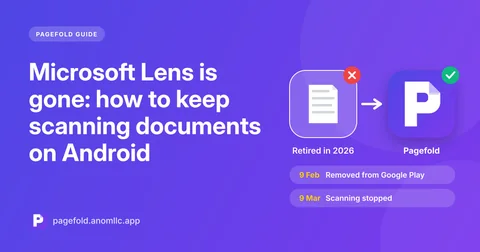
Microsoft Lens is gone: how to keep scanning documents on AndroidMicrosoft retired Lens in 2026. What happened to your old scans, what Microsoft suggests instead, and how to switch to a free scanner that saves to your phone.
- Pagefold
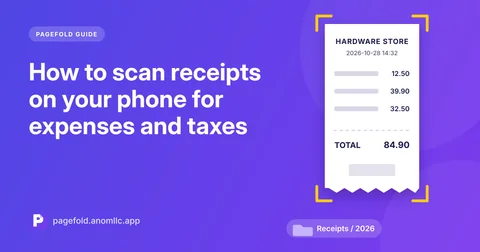
How to scan receipts on your phone for expenses and taxesKeep readable copies of receipts before the ink fades. How to scan receipts on Android, name and file them, and find any receipt later by searching its text.
- Pagefold
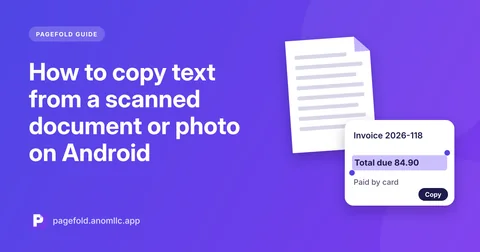
How to copy text from a scanned document or photo on AndroidCopy the words from a scan or photo on Android without retyping: how text recognition works, which languages it reads, and how to get accurate results.
- Pagefold
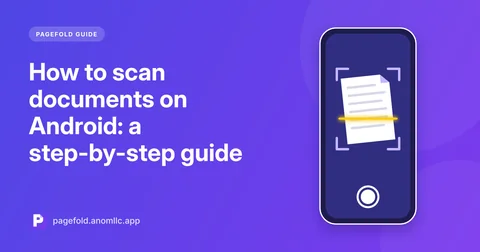
How to scan documents on Android: a step-by-step guideScan any document to a clean PDF with your Android phone. Step-by-step instructions, tips for sharp scans, and how to save and share the result.
- Pagefold
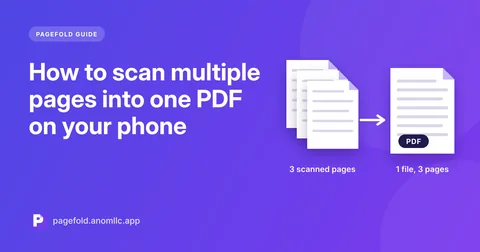
How to scan multiple pages into one PDF on your phoneTurn a multi-page contract, form or booklet into a single PDF with your Android phone, in the right order, with a file size you can email.
- Pagefold
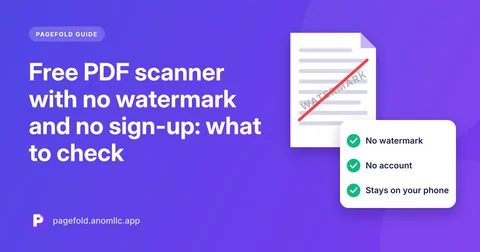
Free PDF scanner with no watermark and no sign-up: what to checkMany free scanner apps add watermarks, force sign-ups or upload your files. How to spot the catches before you install, and what truly free looks like.
Contact
Questions about Anom LLC, partnerships or press? Write to us. For help with a specific app, use the email on that app's site.